Building debug skills that inspect live systems
The agent I work with most days persists its state to Postgres. When something looks wrong — a response that doesn’t match the input, a missing piece of context, a step that didn’t fire — the natural debugging move is to read the persisted state and see what the agent actually thought it was doing.
The first time I had to do that, it took twenty minutes of remembering the schema, tracking down the right table, decoding the serialized blob, and printing the bits that mattered. The second time, I wrote a debug skill. After that, it became: check the latest checkpoint for this thread. The agent reads the skill, runs the script, parses the output, tells me what’s off. Total time, under a minute.
This post is a walkthrough of one such debug skill, end to end. The example is generic, but the structure is the one I actually use across the eight debug skills I’ve written for this project. If you want to write one of these, this is what mine look like.
What we’re building
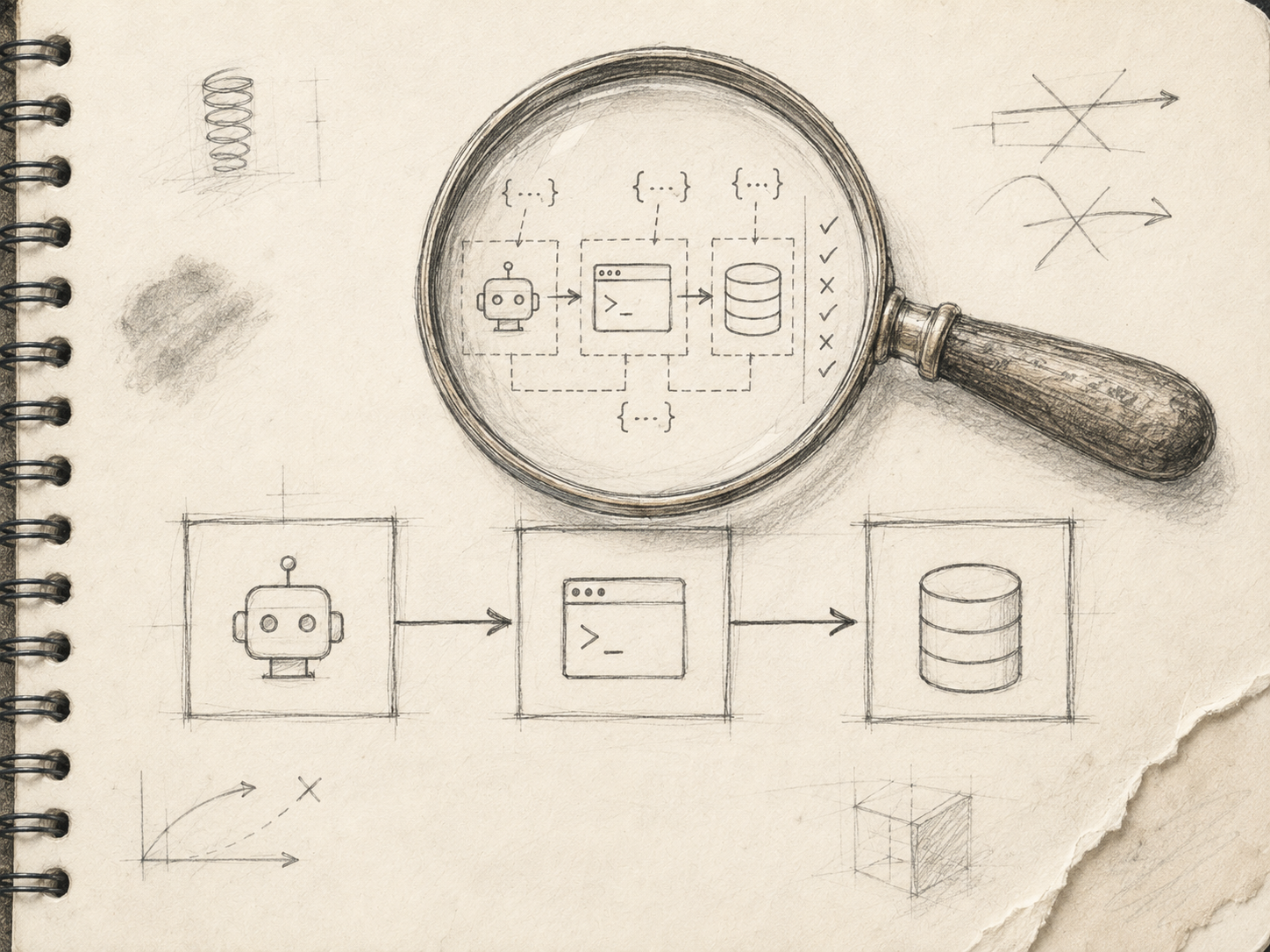
A debug skill that takes a thread identifier and prints the latest persisted state for that thread, in a form a human (and the AI agent reading the skill) can interpret quickly.
Specifically:
- Takes one required argument (the thread ID).
- Reads from a Postgres table that holds the persisted state.
- Decodes the binary blob the framework writes to that table.
- Prints a human-readable summary: which keys are set, what step the pipeline reached, whether expected fields are present.
- Optionally dumps the full decoded JSON for deeper inspection.
- Imports the actual decoder used by the running system, instead of reimplementing one. That last choice matters more than it sounds.
File layout
The skill lives in its own directory:
.cursor/skills/agent-debug-checkpoint/
├── SKILL.md
└── scripts/
    └── debug_checkpoint.py
SKILL.md is what the AI agent reads. scripts/debug_checkpoint.py is what runs. Two files. That’s all.
The SKILL.md
Here’s the skill’s documentation file, redacted of any project-specific naming:
---
name: agent-debug-checkpoint
description: Read and decode the latest persisted state for a given thread.
Shows which keys are set, current pipeline step, and presence of expected
fields. Use when debugging persisted graph state vs the input that produced it.
---
# Debug agent checkpoint
Queries the persisted-state table for a `thread_id` and decodes the
state blob into a human-readable summary. Best-effort msgpack/JSON
decode; pass `--raw-json` to dump the full structure if needed.
## Quick start
```bash
working_directory: ai-automation-backend
poetry run python ../ai-automation-dev-agents/.cursor/skills/agent-debug-checkpoint/scripts/debug_checkpoint.py \
--thread-id 1711900000.000100
```
## Options
| Flag | Purpose |
|----------------|---------------------------------------------|
| `--thread-id` | Thread identifier (required) |
| `--limit` | How many checkpoint rows, newest first (3) |
| `--raw-json` | Dump full decoded JSON instead of summary |
## Backend reference
- `apps/.../persistence/checkpoint.py` — checkpoint table writer/reader
- `apps/.../state/serde.py` — serializer used by the runtimeThat’s the entire skill body. The agent reads this, knows the command, knows the flags, and knows where the live source code lives if anything is unclear. Five things to notice:
- The
descriptionis about when to use the skill. Not “this reads checkpoint state” — that’s just the name in different words. “Use when debugging persisted graph state vs the input that produced it” tells the agent when to reach for this skill instead of a different one. - The Quick start is copy-paste ready. Including the working directory. The agent doesn’t have to guess.
- No prose lecture about why this matters. The agent doesn’t need it. The skill is a procedure, not an essay.
The script
The script is a thin Python file. Stdlib + a couple of project imports. The structure that’s worked for me:
import argparse
import json
import sys
from pathlib import Path

sys.path.insert(0, str(Path(__file__).resolve().parents[2]))
from _shared.backend_imports import setup_backend_path

setup_backend_path()

from apps.persistence.checkpoint import open_checkpoint_reader  # noqa: E402
from apps.state.serde import decode_checkpoint                   # noqa: E402


def main() -> int:
    parser = argparse.ArgumentParser()
    parser.add_argument("--thread-id", required=True)
    parser.add_argument("--limit", type=int, default=3)
    parser.add_argument("--raw-json", action="store_true")
    args = parser.parse_args()

    with open_checkpoint_reader() as reader:
        rows = reader.fetch_recent(thread_id=args.thread_id, limit=args.limit)

    if not rows:
        print(f"No checkpoint rows for thread_id={args.thread_id!r}")
        return 0

    for row in rows:
        decoded = decode_checkpoint(row.blob)
        if args.raw_json:
            print(json.dumps(decoded, indent=2, default=str))
            continue

        print(f"--- checkpoint @ {row.created_at.isoformat()} ---")
        print(f"keys present: {sorted(decoded.keys())}")
        step = decoded.get("pipeline_step")
        print(f"current step: {step!r}")
        for required in ("user_input", "parsed_request", "supervisor_route"):
            present = required in decoded
            marker = "✓" if present else "✗"
            print(f"  {marker} {required}")

    return 0


if __name__ == "__main__":
    sys.exit(main())
A handful of design choices in this thirty-line script are doing more work than they look.
It imports the real decoder. decode_checkpoint is the same function the runtime uses. If the runtime serialization changes, the decoder changes, and the debug script keeps working without me having to remember to update it. Reimplementing the decoder in the script — which was tempting at the time — would have produced a tool that silently rotted as the codebase evolved.
It’s stdlib-only above the project import. No new dependencies. The script uses argparse, json, sys, pathlib. The only project-specific things are the imports the runtime already has installed. This means I never have to manage a separate requirements.txt for skill scripts.
The summary mode comes first; the raw-json mode is opt-in. The default output is human-readable. The agent reading the output can summarize it back to me without parsing JSON. The --raw-json flag exists for the cases when the summary isn’t enough, but most invocations don’t need it.
The output is grep-friendly. keys present:, current step:, the check/cross marks — a human can scan this in two seconds, and the agent can extract the boolean facts from it directly. That matters when the skill output becomes the input to the agent’s next reasoning step.
Iterating on the output format
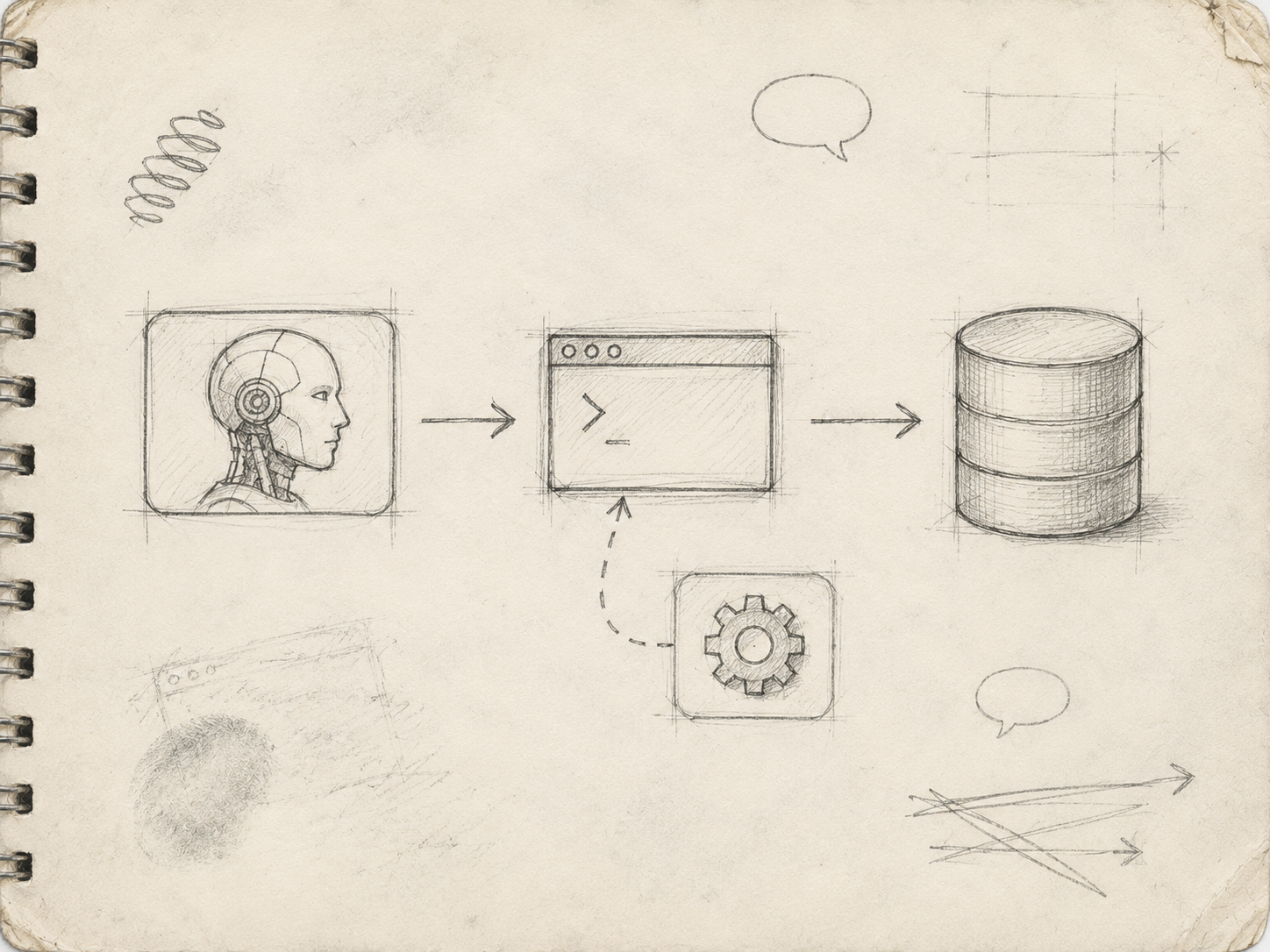
The first versions printed either everything or nothing useful. What worked, after a few iterations, was a summary format with three properties:
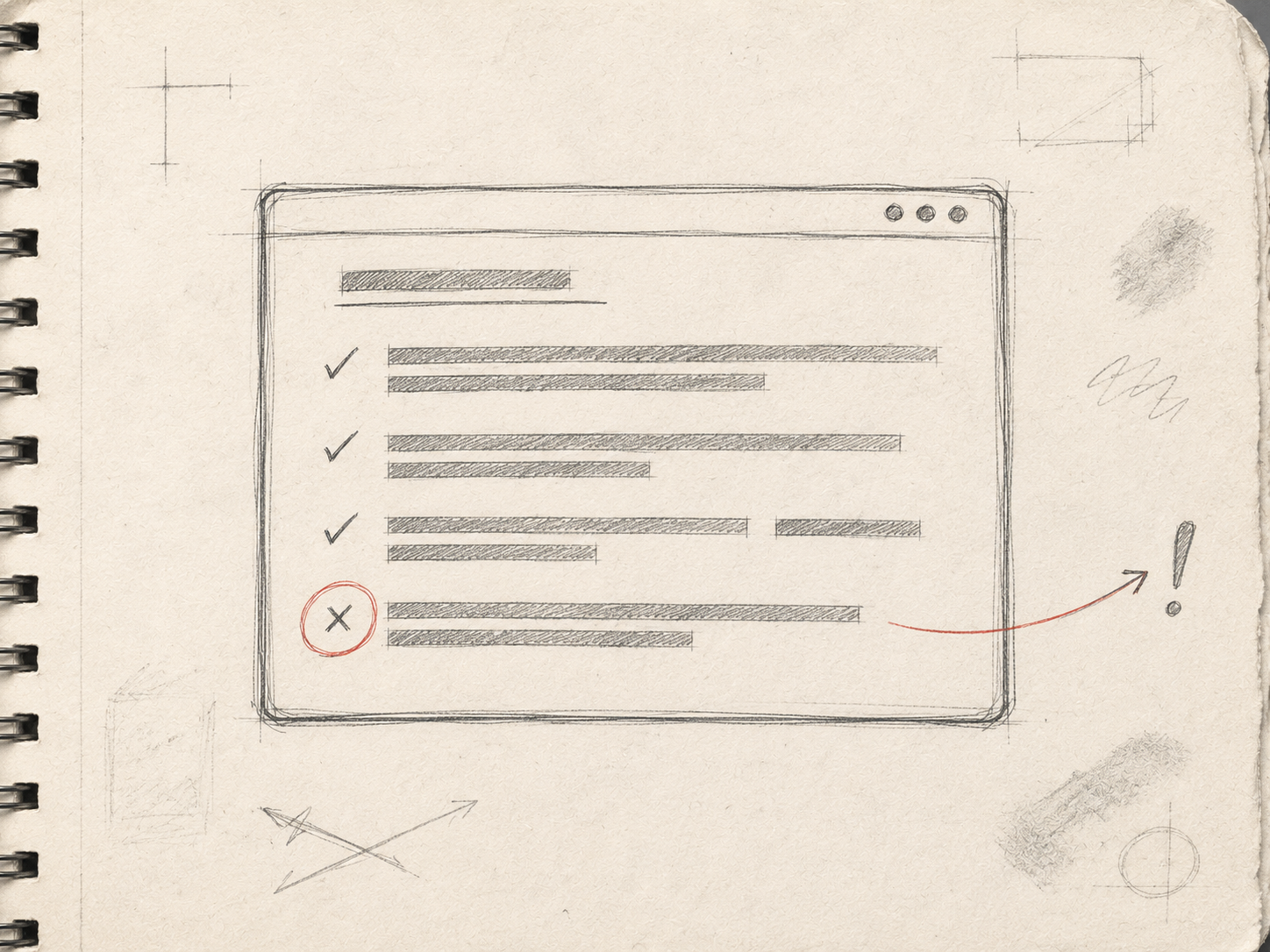
- It always shows the same shape. The agent knows what to expect: keys present, current step, presence-or-absence of a known list of required fields. The output is predictable.
- It includes the things I always want to know. Which step the pipeline reached. Whether the expected fields are populated. The timestamp of the checkpoint.
- It surfaces what’s missing. A
✗next to a missing field is more informative than a clean summary that omits the field entirely. Absence is data.
Getting to that format took maybe five iterations across actual debugging sessions. Each session, when the summary didn’t have the answer I needed, I added the field I’d reached for and didn’t find. After about a week the format stabilized.
That iteration loop is normal. Don’t try to design the output of a debug skill in the abstract. Design the V1 to be barely functional. Iterate from real bugs.
Other debug skills that follow the same pattern
The checkpoint one is one of eight debug skills I’ve written for the same project. The others follow the same structure — a SKILL.md and a script that imports the real thing — but inspect different surfaces.
- A cache debug skill reads pre-computed values and shows freshness against the source-of-truth timestamp. “Is this cached score stale?”
- A state debug skill explains how a new initial input merges with the latest persisted state. Useful for understanding why a key from a previous turn unexpectedly survived.
- A trace debug skill interprets distributed-tracing spans, mapping span names back to pipeline nodes. “Which step actually fired during this run?”
- A thread-context debug skill fetches a chat thread and prints the same summarized context the runtime would see. “What does the agent actually have access to here?”
- A pipeline debug skill runs an isolated subset of the pipeline (entity resolution only, routing only, the full chain) on a sample input, optionally with mocked external calls. “What does this single node produce on this input?”
Each of these started as a manual investigation that took too long. Each of them now takes seconds when the agent invokes it. Each of them follows the same structural rules: imports the live code, predictable output format, opt-in raw mode, narrow scope.
What makes a debug skill not worth writing
Debug skills are cheap, but not free. A few patterns I’ve learned to refuse.
Skills that wrap something already trivially queryable. If the answer is SELECT * FROM users WHERE id = ?, you don’t need a skill. You need a one-line note in your team’s debugging readme.
Skills that depend on transient infrastructure. If the only place to read this state is from a service that’s about to be deprecated, the skill will rot before it pays off.
Skills with no clear “when”. If you can’t write the description as “use when …” — if the skill’s purpose is just “general debugging” — it’s not a skill yet. It’s a folder of scripts.
Skills that try to be smart. A debug skill that tries to interpret the state and tell you what’s wrong is a different beast from one that shows the state and lets you decide. Mine show. Interpretation is the agent’s job, not the skill’s.
The compounding effect
After eight debug skills, something quietly changed about how I work on this project. When something is wrong, I no longer think about how to investigate it. I think about what’s wrong. The investigation has been pre-cached, in the form of skill bodies the agent picks up automatically.
That’s the actual outcome. Not “I have a folder of scripts.” A folder of scripts is a tools directory, and tools directories existed before AI agents. The change is that the invocation layer is now intelligent. The agent reads the skill, decides which one applies, runs it, interprets the output, and feeds the result into its next reasoning step. The skill is just the bridge. The intelligence is on both ends.
That’s why writing them feels like time well spent. Each one moves a little more investigation out of my head and into the system. Once enough of them exist, the system itself becomes inspectable in a way it wasn’t before.