A taxonomy of AI agent skills
The previous post was the story. This one is the structure.
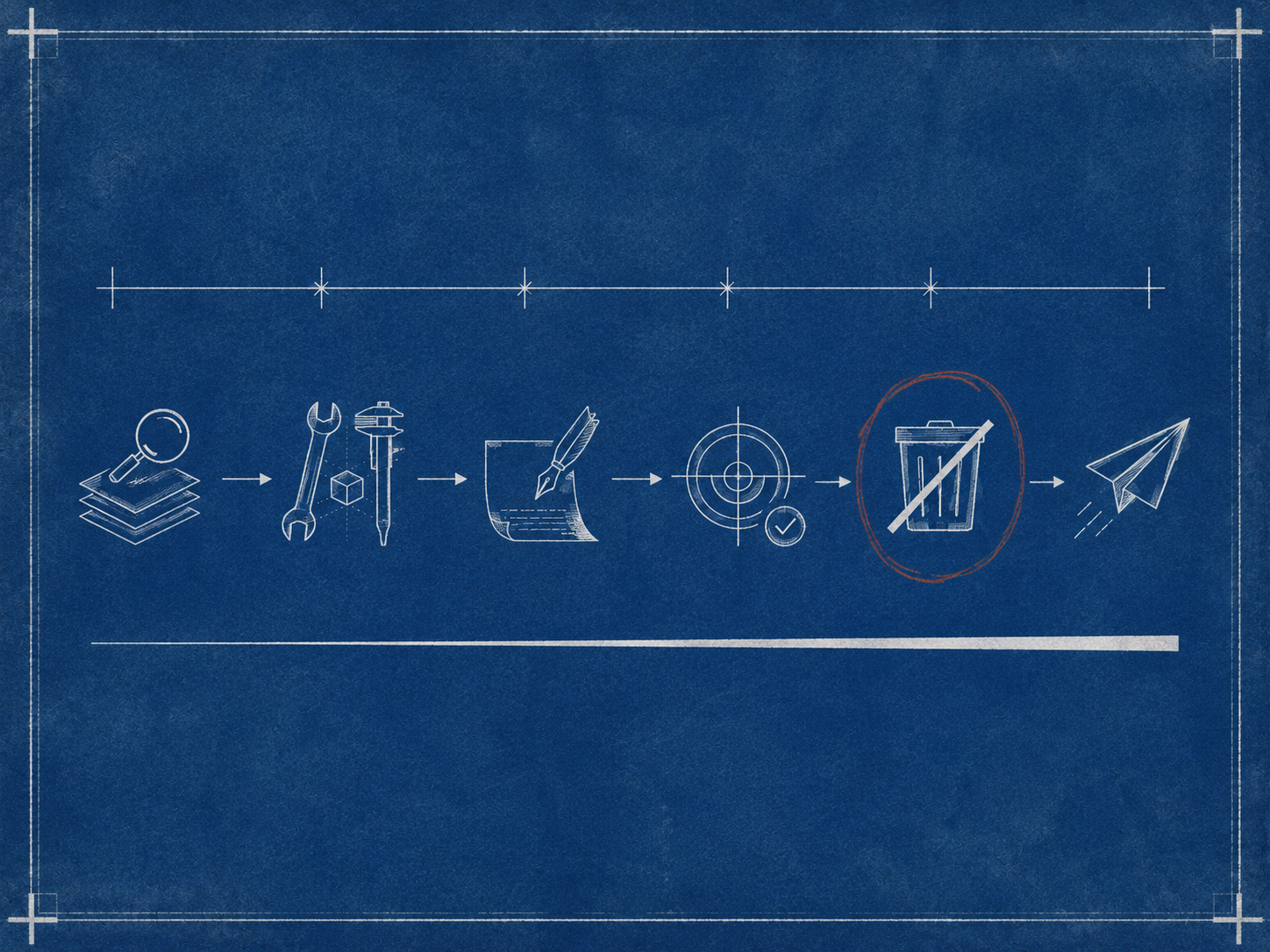
After writing about thirty skills for one project, a pattern crystallized. Each skill belongs to one of six types. Each type answers a different question, runs at a different moment, and has a different appropriate level of risk. The names follow a consistent shape: <system>-<type>-<feature>. The agent uses that shape to find the right skill without me having to remember exactly what I called it.
This is the taxonomy I landed on after enough real use that the categories felt obvious by the time I named them.
The naming convention
Every skill name is a triple: the system it operates on, the type of operation, and the specific feature.
<system>-<type>-<feature>Examples (made generic):
agent-debug-checkpoint
agent-utils-scoring
agent-qa-replay-scenario
agent-delete-cache
agent-post-message
agent-guide-add-filter
ats-get-record
ats-search-records
slack-get-thread
slack-post-message
Three things this naming buys you:
- Sortable. When you list the skills folder, related skills cluster together alphabetically. All the debug skills sit next to each other; all the agent skills sit next to each other.
- Predictable. When the agent (or you) wants to do a thing, you don’t have to remember the exact name. You can guess the shape — I want to debug something about the agent’s checkpoint, so it’s probably
agent-debug-checkpoint— and you’ll usually be right. - Searchable. Filtering by the second segment gives you the slice of skills for one type of work. Show me all the debug skills. Show me all the integration helpers. The naming makes those queries trivial.
That third property is the one the AI agent actually exploits. When you ask “is there a skill to inspect the cache?” the agent scans names looking for cache plus debug or delete, and zeroes in fast. A flat naming scheme without types would force the agent to read every description; with types, it can shortlist by name alone.
The six types
Each type below has a specific job. I’ll walk through them with the criteria I use to decide which type a new skill belongs to.
debug — read-only inspection
Job: answer the question “what is the system actually doing right now?”
Debug skills read state. They don’t modify anything. They look at databases, caches, logs, message threads, traces — whatever is needed to understand what just happened or what’s currently true. The agent invokes a debug skill when something is unexpected and it needs evidence before proposing a fix.
The risk profile is low. A debug skill that goes wrong prints something useless or fails noisily. It doesn’t break anything.
The agent reaches for these constantly. Of my thirty-three skills, eight are debug skills, and they’re the most-used type by a wide margin.
utils — exercise one piece of logic with custom inputs
Job: “what does this function do if I give it this input?”
Utils skills are thin command-line wrappers around real functions in the codebase. They import the actual function and call it with arguments you pass on the command line. The point is to exercise a specific piece of logic in isolation, without spinning up the full system.
Concrete examples (genericized):
agent-utils-scoring— runs the scoring function on a sample input and prints the score.agent-utils-query-builder— builds a search query string from structured criteria, prints it.agent-utils-skills— normalizes a skill name list and shows the canonical form.
The risk profile is low — these are read-only by construction. The value is high — when something is going wrong, being able to call one piece of the pipeline directly is the fastest way to localize the bug.
guide — multi-step procedure for a recurring change
Job: “what’s the playbook for adding feature X?”
Guide skills are the closest thing to documentation in the skill drawer. They describe a multi-file change you sometimes need to make — adding a new filter to a search pipeline, wiring a new output formatter, adding a new intent — with a checklist of files to touch and the order to touch them in.
Often a guide skill has no script at all. The body is the skill. The agent reads the procedure, walks through it on the current change, and the developer reviews each step.
The risk profile depends on what the guide changes. The procedure itself is just a checklist; the actual edits the agent makes following the procedure are what carry the risk. So guides are typically used in plan or review mode, not as fire-and-forget automation.
qa — regression and replay
Job: “does this still work the way it used to?”
QA skills are tester-facing. They run a scenario, capture the output, and answer one question: did the thing I changed break what was already working? Debug skills inspect live state; QA skills replay test scenarios.
post — write something
Job: “send this to a system.”
Post skills do something with a side effect — write to a database, send a message, update a record. They are deliberately separated from debug and utils so you can’t accidentally invoke a write when you wanted a read.
This separation is the single most important design decision I made about the taxonomy. Mixing reads and writes under one type means a typo in a skill name can cost you data. With debug and post as different prefixes, “did I run a debug or a post?” is a glance at the name. The cognitive load goes to zero.
delete — destructive
Job: “remove this thing.”
Delete is its own type and not a subtype of post for the same reason: an extra layer of name-based separation between “I’m reading”, “I’m writing”, and “I’m deleting.” A delete skill is the only kind that should make you pause before invoking. The name being its own segment makes that pause cheap to enforce.
Of the thirty-three skills, exactly one is a delete. That’s about right. Destructive operations should be rare and explicit.
The non-typed integrations
Not every skill fits the typed pattern. There’s a category of skills that are pure helpers around an external system — fetching a record by ID, posting a message, listing the contents of a thread. Those use a different naming convention:
<system>-<verb>-<resource>So ats-get-record, ats-search-records, slack-get-thread, slack-post-message. The verb is the operation, not the type. These are the only skills I have that don’t follow the agent-typed pattern, and they don’t need to. They wrap a specific external API in a tested, opinionated way and are reused across many higher-level skills.
How the types compose during a real session
Watching myself debug something that broke, the types appear in a predictable order.
- Something is wrong. The agent reaches for a
debugskill: read the live state, understand what the system actually did. - The state confirms a hypothesis. The agent reaches for a
utilsskill: rerun a single function with the specific input that caused the issue. - The fix becomes obvious. The agent edits files (no skill needed for this part — code edits are direct).
- After the fix, the agent runs a
qaskill to confirm the broken scenario now works. - If the fix invalidates cached results, the agent runs a
deleteskill to clear them. - If the fix needs to be communicated, a
postskill goes back to the team’s chat.
Six skills, six types, a complete loop. The naming convention turns “debugging a thing” from a series of remembered procedures into something more like a vocabulary the agent already speaks. The cognitive overhead disappears.

Design decisions that paid off
A few choices, in retrospect, did most of the work.
Separating reads from writes by name. Putting debug and post in different name segments — instead of, say, having a single agent-cache skill that does both — is the single best decision in this taxonomy. It made accidental writes essentially impossible.
Letting integration skills break the pattern. Forcing every skill into the <system>-<type>-<feature> shape would have made the integration helpers awkward. ats-debug-record is a worse name than ats-get-record. Allowing two naming patterns was cleaner than overfitting to one.
Pointing every skill at the live source. Skills are documentation; documentation drifts. Each skill body has a small “Backend reference” section pointing at the actual files in the codebase that implement the underlying functionality. When the skill is wrong, the agent has a fallback that’s correct by construction.
Keeping the description focused on when, not what. Early descriptions said “This skill clears the cache.” That’s the what. The agent doesn’t need that — it can see the name. The descriptions that worked said “Use when stale cached results cause incorrect scores after a scoring rule change.” That tells the agent when to reach for the skill, which is the actually useful question.
Design decisions that didn’t pay off
A few that I tried and walked back.
Sub-types. I briefly tried debug-cache, debug-state, debug-trace as proper sub-types with their own conventions. The benefit was small; the cognitive cost was real. I collapsed back to a flat debug type with descriptive feature names.
Forcing every skill to have a script. Some skills genuinely don’t need executable code — guides especially. Insisting on a script for every skill produced empty hello-world scripts that got in the way. Letting the body itself be the skill was simpler.
What this looks like for someone else
If you’re sitting at zero skills and considering writing some, the taxonomy isn’t the part to start with. The taxonomy emerged after I’d written enough skills to feel the categories. Trying to design the categories before having the skills is the kind of premature abstraction that produces empty buckets.
What I’d actually suggest:
- Write your first skill the second time you do something. Don’t worry about the type or the naming.
- Write a few more, in whatever shape fits each one.
- Around skill ten or so, pause. Look at the names. You’ll notice some are reading state, some are running scripts on inputs, some are walking through procedures, some are writing to systems. The categories are already there, latent in the work.
- Then settle on a naming convention. Rename the skills you have. The renaming is cheap if you do it once; it gets expensive if you wait until you have fifty.
That’s the order. Skills first, taxonomy second. The structure is downstream of the actual work, not the other way around.