Wiring a journal agent with Slack
This is the walkthrough for a small Slack integration I added to my engineering journal: token setup, the API endpoints I use, the abstractions that keep the agent from doing something stupid, and the receipt pattern that means I can always see what was actually posted.
What the integration does
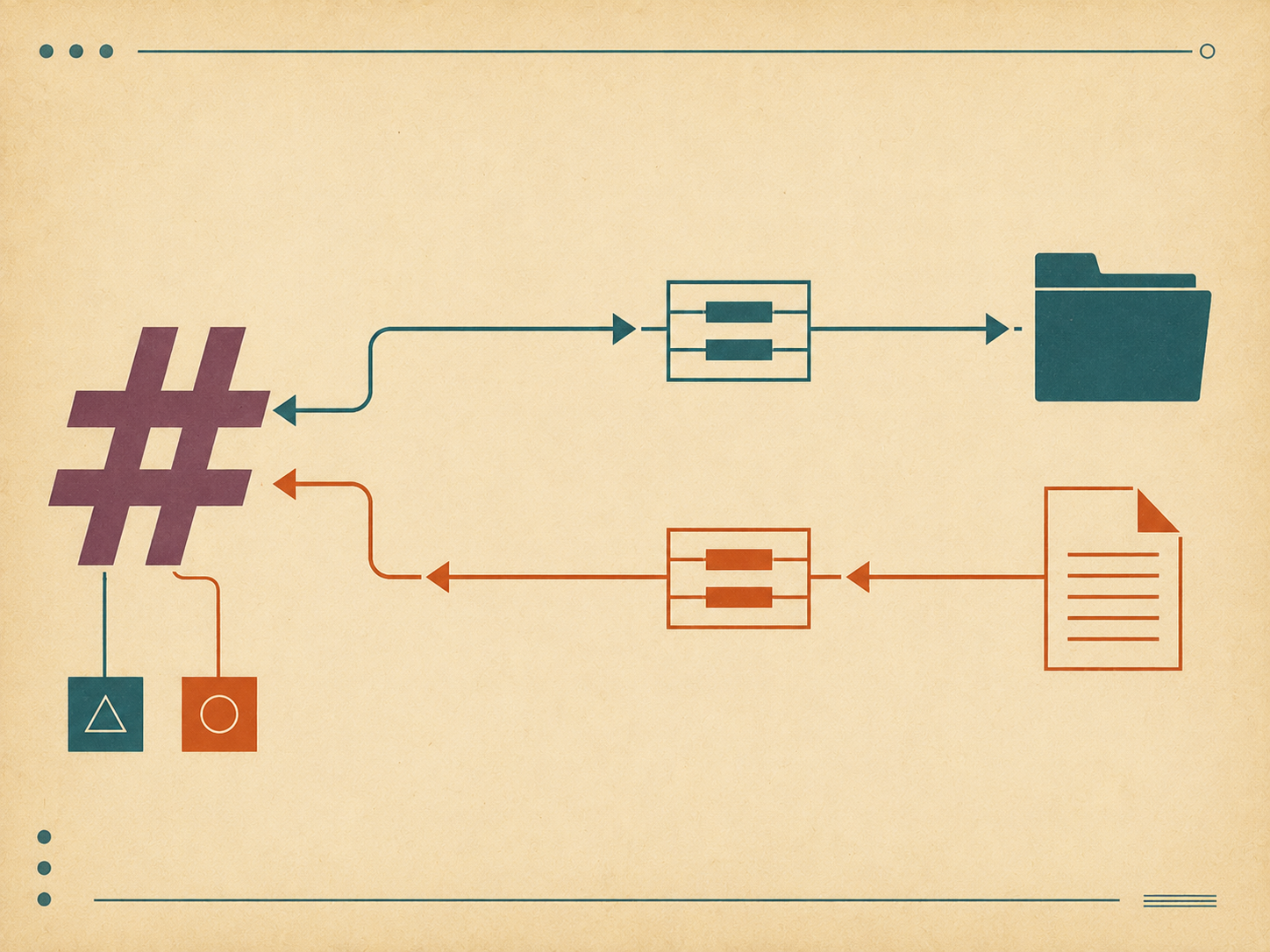
Two things, separated cleanly.
Read from Slack. The agent can fetch recent messages from a named channel (or a channel alias I’ve defined) and turn them into a context file under context/. That context becomes input for daily planning or progress capture. Examples:
- “Get the last day from my team’s standup channel as context for today’s plan.”
- “Save the announcements channel from this week as a context file.”
Post to Slack. The agent can take a Markdown plan or report and post its Slack-formatted sibling to a channel. Examples:
- “Post today’s plan to my private Slack.”
- “Send this week’s manager report to the team channel as a thread.”
Two responsibilities, two skills, two different bot tokens. Mixing them would be a mistake.
Bot tokens — one read-only, one write-only
The first decision was about authentication. Slack uses bot tokens (xoxb-...) with granular scopes. You can have one token that does everything, or several tokens scoped narrowly.
I have two:
- A read-only token. Scopes:
channels:history,groups:history,im:history. This token can read messages from channels the bot is in. It cannot post. It cannot react. It cannot delete. - A write-only token. Scopes:
chat:write. This token can post messages on behalf of the bot. It cannot read history.
Two tokens means a misconfiguration in one direction can’t accidentally cause damage in the other. The fetch script literally cannot post anything; the post script literally cannot read anything beyond what I hand it. The blast radius of a leak or a bug stays narrow.
In the env file:
JOURNAL_SLACK_BOT_TOKEN_READ=xoxb-redacted-read-only
JOURNAL_SLACK_BOT_TOKEN_WRITE=xoxb-redacted-write-only
The agent reaches for the right token by purpose. There’s no codepath where one token gets used in the other token’s operation.
Channel aliases — never paste a channel ID
The second decision saved me from a class of mistake I’d otherwise make several times a week.
Slack channel IDs look like C0123ABCD45. They are not human-memorable. If I have to type one into a command, I will eventually type the wrong one — possibly into a posting command, possibly into a public channel where I meant to post somewhere private.
So the integration has an alias map:
CHANNEL_ALIASES = {
    "private-journal": "C0123ABCD45",
    "team-standup":     "C0234BCDE56",
    "team-announce":    "C0345CDEF67",
}
The map is in a file the agent reads. Every command takes a name, not an ID. “Post to private-journal” resolves to C0123ABCD45; “Read team-standup” resolves to C0234BCDE56. If I mistype the alias, the script errors out with a clear “unknown alias” message. If I genuinely need to post to a channel that’s not aliased, I have to add it to the map first — and adding to the map is a deliberate, code-reviewable action.
This is the kind of small abstraction that costs ten lines and prevents the worst-case mistake.
The fetch script
The read side is a stdlib-only Python script that hits Slack’s conversations.history endpoint and writes a human-readable context file.
import os
import sys
import json
import urllib.request
import urllib.parse
from datetime import datetime, timedelta
from pathlib import Path

SLACK_API = "https://slack.com/api"

def fetch_recent(channel_id: str, hours: int) -> list[dict]:
    token = os.environ["JOURNAL_SLACK_BOT_TOKEN_READ"]
    oldest = (datetime.now() - timedelta(hours=hours)).timestamp()

    params = urllib.parse.urlencode({
        "channel": channel_id,
        "oldest": f"{oldest:.0f}",
        "limit": 200,
    })

    req = urllib.request.Request(
        f"{SLACK_API}/conversations.history?{params}",
        headers={"Authorization": f"Bearer {token}"},
    )
    with urllib.request.urlopen(req) as resp:
        data = json.load(resp)

    if not data.get("ok"):
        raise RuntimeError(f"Slack error: {data.get('error')}")

    return list(reversed(data["messages"]))
Two choices matter: stdlib only, so the script runs anywhere without installing dependencies, and time-windowed by default. The endpoint accepts an oldest parameter; the script always sets it. There’s no codepath that fetches all history. If I need a longer window, I pass a larger hours value. The default — twenty-four hours — covers most uses.
The script then takes the raw messages and renders them into a readable context file:
def render_messages(messages: list[dict]) -> str:
    lines = []
    for msg in messages:
        ts = datetime.fromtimestamp(float(msg["ts"]))
        user = msg.get("user", "?")
        text = msg.get("text", "").strip()
        if not text:
            continue
        lines.append(f"[{ts.isoformat(timespec='minutes')}] {user}: {text}")
    return "\n".join(lines)
The rendered context goes to a file under context/ named with the date and channel alias:
context/2026-05-04-team-standup.txtThe file is plain text. The agent loads it as input to whatever it’s working on next — a daily plan, a progress capture, a report for a manager. The context file is the receipt that the fetch happened.
The post script
The write side is also stdlib-only, with one extra step: the Markdown-to-Slack-formatting conversion.
import os
import json
import urllib.request

SLACK_API = "https://slack.com/api"

def post_message(channel_id: str, text: str, thread_ts: str | None = None) -> dict:
    token = os.environ["JOURNAL_SLACK_BOT_TOKEN_WRITE"]

    body = {"channel": channel_id, "text": text}
    if thread_ts:
        body["thread_ts"] = thread_ts

    req = urllib.request.Request(
        f"{SLACK_API}/chat.postMessage",
        data=json.dumps(body).encode("utf-8"),
        headers={
            "Authorization": f"Bearer {token}",
            "Content-Type": "application/json; charset=utf-8",
        },
    )

    with urllib.request.urlopen(req) as resp:
        data = json.load(resp)

    if not data.get("ok"):
        raise RuntimeError(f"Slack error: {data.get('error')}")

    return data
The Markdown-to-Slack-mrkdwn conversion is the small piece that makes the output look right. Slack’s flavor of markup isn’t quite Markdown — bold uses * instead of **, italics use _ instead of *, links use <url|text> instead of [text](url), and code blocks are similar but not identical. The render script handles the conversion before the post script touches it.
The receipt pattern
Here’s the part of the integration that took me the longest to settle on, and that I’d argue most strongly for.
When the agent posts a message, the message itself goes to Slack. There’s no local copy by default. If something goes wrong — wrong channel, wrong thread, wrong content — and you delete the Slack message, you’ve lost the record entirely.
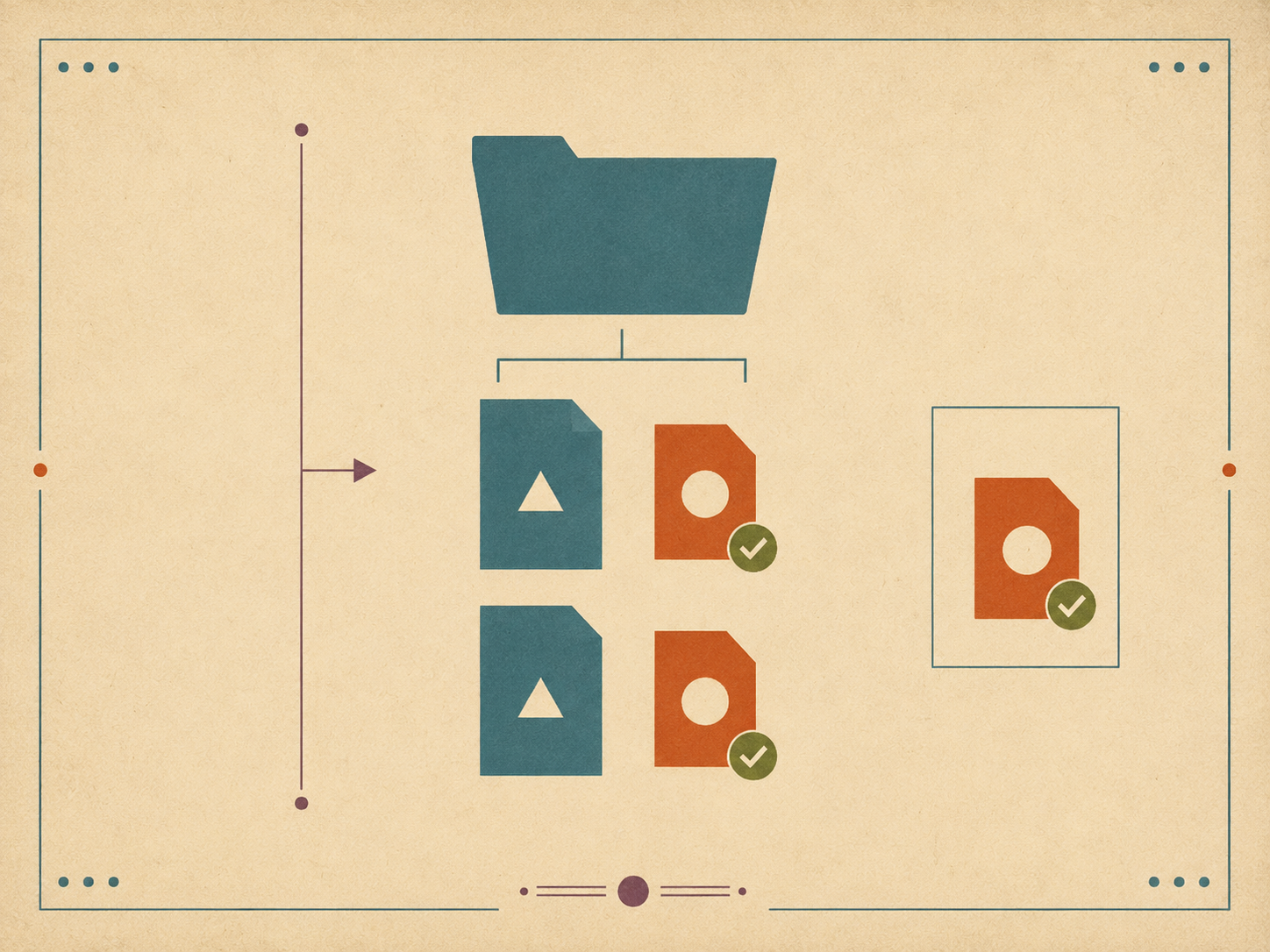
So the post script writes a receipt to disk. For every successful post, a small file gets written next to the source Markdown file:
plans/2026-05-04.md       ← the original plan
plans/2026-05-04.slack.txt ← the rendered Slack-flavored version (the receipt)
The .slack.txt sibling is what was actually sent. If you later wonder “what did I post on May 4?”, the answer is in the file system, in plain text, alongside the source. If you want to repost the same thing, the receipt is the verbatim payload.
The rule, in the post skill: the .slack.txt file’s existence is the proof of delivery. If the post fails, no receipt is written. If the post succeeds, the receipt is written after the API confirms success. There’s no ambiguous middle state.
This is a small thing. It’s also the thing that made me trust the integration. Without the receipt, every post is a one-way operation into a system I don’t fully control. With the receipt, every post leaves a local trace I can audit at any time.
Channel aliases meet receipts
The two patterns combine into a comfortable workflow.
# Write the plan in Markdown.
$EDITOR plans/2026-05-04.md

# Render and post in one step.
journal post plans/2026-05-04.md --to private-journal

# A receipt is written next to the plan.
ls plans/2026-05-04.*
plans/2026-05-04.md
plans/2026-05-04.slack.txt
The agent does this when I ask it to. The script is a thin layer the skill invokes. The user-facing surface is “post today’s plan to my private channel,” and the layers below resolve the alias, render the Markdown to Slack-mrkdwn, hit the API with the write-only token, and leave a receipt on success.
The same pattern works for reports, status updates, anything markdown-based.
What I deliberately did not do
A few features I considered and dropped.
No interactive Slack bot. The integration is one-way for posts (script-to-Slack) and one-way for reads (Slack-to-script). I considered making the bot respond to mentions in channels, take commands via DMs, all the usual interactive patterns. I dropped it. An interactive bot is a much bigger surface — sockets, app manifests, runtime hosting, retry logic. The script-only design fits in a few hundred lines and runs locally. I gave up some convenience and got back simplicity.
No automatic posting on a schedule. The integration runs when I (or the agent) trigger it. It doesn’t have a cron loop that posts daily plans automatically. I tried that briefly and immediately regretted it — the few times I needed to skip a day or fix a draft before posting became fights with the scheduler. Manual triggers, maybe a half-second of friction, much less mental load.
No reactions or threading metadata mining. The fetch script returns plain text. It doesn’t track who reacted to what, or which messages were threaded under which parent. That information is occasionally useful and not worth the complexity. If I genuinely need it, I’ll add it; I haven’t yet.
No “smart” filtering. The fetch script returns the raw message list (minus empties). It doesn’t try to filter to “important” messages. The agent reading the context file can decide what’s important. Pre-filtering would just hide signal under a heuristic.
The cumulative effect of those omissions is that the integration is small, predictable, and boring. Boring is a feature.
That’s the integration. Two tokens, two flows, channel aliases, receipts, and a refusal to add anything that doesn’t earn its complexity. The journal benefits from Slack’s context without inheriting Slack’s surface area. That’s all I wanted.