Org-wide standards as code
If you’ve worked across multiple repos at any organization with even loose security standards, you know the failure mode. There’s a wiki page somewhere with twenty-something policies. Every project has its own slightly stale copy of three or four of them, embedded in a CONTRIBUTING.md or scattered across .eslintrc files or living in someone’s head. The standards exist; they just don’t reach the code consistently.
Bringing AI coding agents into that environment is interesting, because the agent can — in principle — read the policies and apply them. But you don’t want to paste the policies into every project’s prompt. You don’t want to maintain twenty-something forks. You want one source of truth that automatically follows the agent into every project you work on.
That’s what this post is about. The pattern is small. The folder layout is plain Git. The integration with the AI agent is a few configuration files. The result is that the same standards reach every project I touch, without per-project setup.
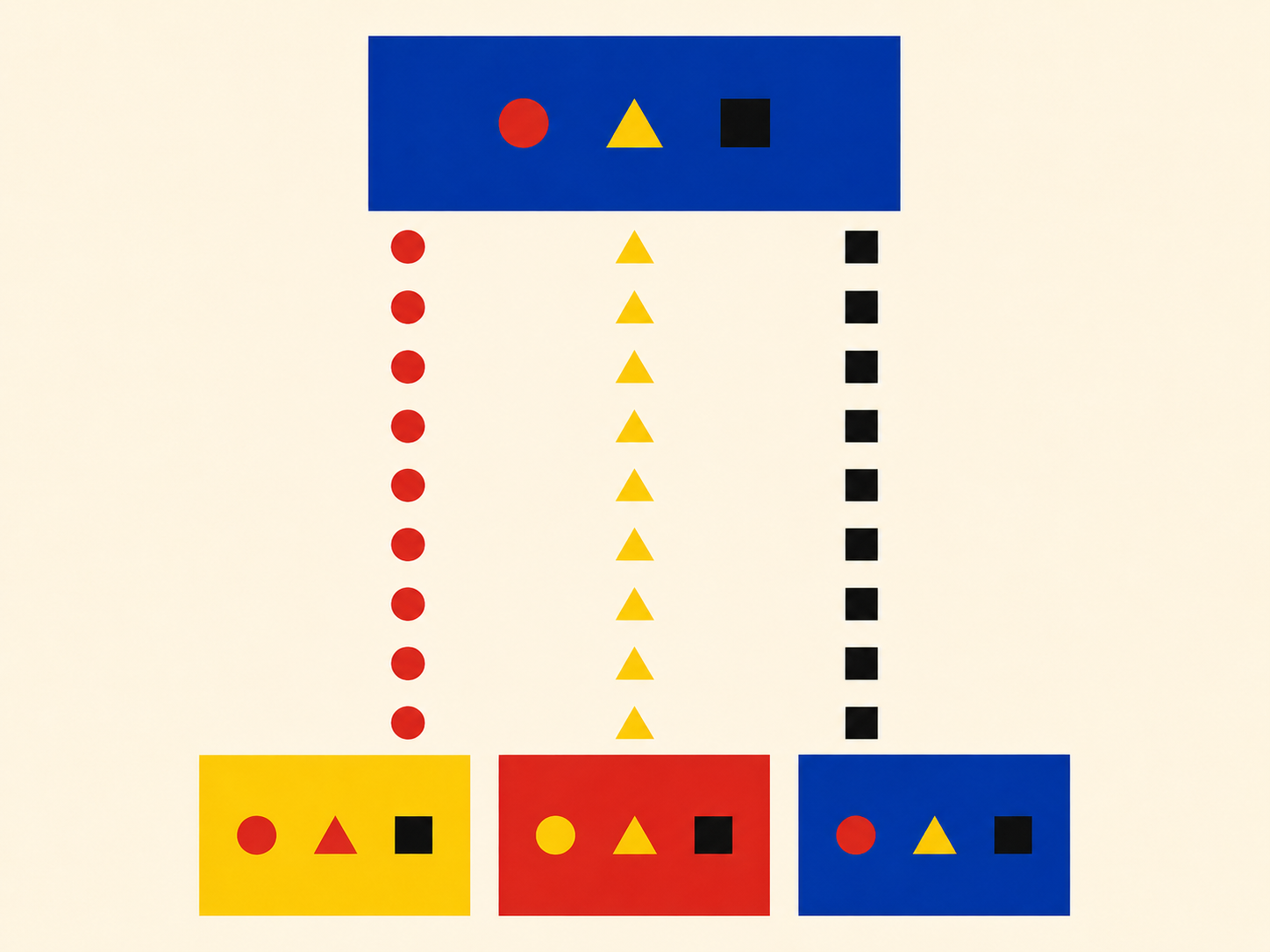
The two-repo pattern
Two Git repositories.
Repo one — the policy repo. Plain Markdown. One topic per file. No tooling. Just the standards themselves, written in language the rest of the team can read.
standards/
├── rules/
│   ├── auth-tokens-expiration.md
│   ├── csrf-protection.md
│   ├── parameterized-db-queries.md
│   ├── hardcoded-secrets.md
│   └── … (one file per topic)
├── checklists/
│   ├── design-phase.md
│   ├── implementation-phase.md
│   ├── testing-phase.md
│   └── deployment-phase.md
└── guides/
    ├── development-phases.md
    ├── test-automation.md
    └── test-environments.md
The policy repo doesn’t know anything about AI tooling. It’s the document of record. Anyone on the team — engineer, manager, security reviewer — can read it directly without installing anything. That’s important. The policies should outlive whatever AI tools are in fashion this year.
Repo two — the wrapper repo. This is the AI-tooling layer. It depends on the policy repo as a Git submodule, and adds the configuration files that an AI agent loads.
standards-wrapper/
├── .cursor/
│   ├── rules/        ← .mdc pointer files into ../standards/rules/
│   ├── skills/       ← reusable workflows (the phase checklists, etc.)
│   └── agents/       ← subagent definitions (security review, etc.)
├── standards/        ← git submodule of the policy repo
│   ├── rules/
│   ├── checklists/
│   └── guides/
└── README.md
The wrapper does three things:
- It pulls in the policies via a submodule, so the wrapper always points at a specific version of them.
- It translates the policies into a form an AI coding agent loads automatically (rules and skills).
- It hosts the subagents that consult the policies on demand (the security reviewer, for example).
Splitting the two means the policy repo can evolve at its own pace and the wrapper can evolve at its own pace. The wrapper is opinionated about one AI agent’s configuration format; the policy repo isn’t. If the agent’s configuration format changes — or if you want a parallel wrapper for a different agent — the policies don’t move.
How the agent picks them up
This is the part that took me a while to land on, and turned out to be much simpler than I expected.
Most AI coding IDEs — Cursor, Claude Code, and others — let you have multiple workspace folders open at the same time. The IDE loads .cursor/ (or its equivalent) from each workspace folder it sees. So:
- Clone the wrapper repo once. Anywhere on your machine.
- Open your project as usual.
- Add the wrapper as a second workspace folder, alongside your project.
That’s it. The agent now reads:
- The project’s own rules (your project-specific conventions).
- The wrapper’s rules (the org standards).
- The wrapper’s skills (the phase-gate checklists).
- The wrapper’s subagents (the security reviewer).
All without changing a single file in the project itself. The project and wrapper meet in the workspace.
Workspace
├── your-app/                ← your project folder
└── standards-wrapper/       ← the wrapper, cloned once anywhere
    ├── .cursor/
    └── standards/           ← submodule
When I switch between projects, I add the same wrapper to each new workspace. The standards travel with me.

What goes in the wrapper, in detail
The three pieces of the wrapper each do a different job.
Rules — the ambient guardrails
Each policy in the policy repo gets a small .mdc (or equivalent) pointer in .cursor/rules/. The pointer file is short — usually under twenty lines. It says, in effect: “when the agent is doing X, read the full policy at this path.”
---
description: Parameterized database queries
globs:
  - "**/*.py"
  - "**/*.ts"
alwaysApply: false
---

# Parameterized DB queries

When constructing database queries, follow the policy in
`standards/rules/parameterized-db-queries.md`. Read that
file for the full requirements before generating SQL.
The pointer is intentionally small. The actual policy lives in the submodule, in human-readable Markdown that the team also reads as documentation. The pointer is what the agent’s rule system loads; the policy is what the agent then reads in detail when the rule fires.
This separation means I can edit a policy in the standards repo and the wrapper picks it up the next time the submodule updates — no changes to any pointer. The pointers are stable; the policies evolve.
There’s also one always-on index rule that lists every available policy with a one-line summary. The agent reads that on every request, sees the menu, and knows what’s available without loading the full bodies. The full bodies load only when a topic-specific pointer fires.
Skills — the phase-gate checklists
Some standards aren’t best served as guardrails. The phase-gate checklists — design-phase, implementation-phase, testing-phase, deployment-phase — are sequences a human walks through deliberately, not constraints applied automatically.
Those become skills in the wrapper: thin SKILL.md files that point at standards/checklists/testing-phase.md or the equivalent checklist. The checklist content lives in the policy repo; the skill just makes it invocable by name.
Subagents — the heavy reviewers
The third piece is the subagents. The flagship one is the security reviewer from the previous post: a single Markdown file that points at the relevant slice of the policy repo, runs in isolation, and returns a structured report. One source of truth, three ways to access it.
Updating without breaking everything
This was the part I was most worried about when I started, and it turned out to be the easiest.
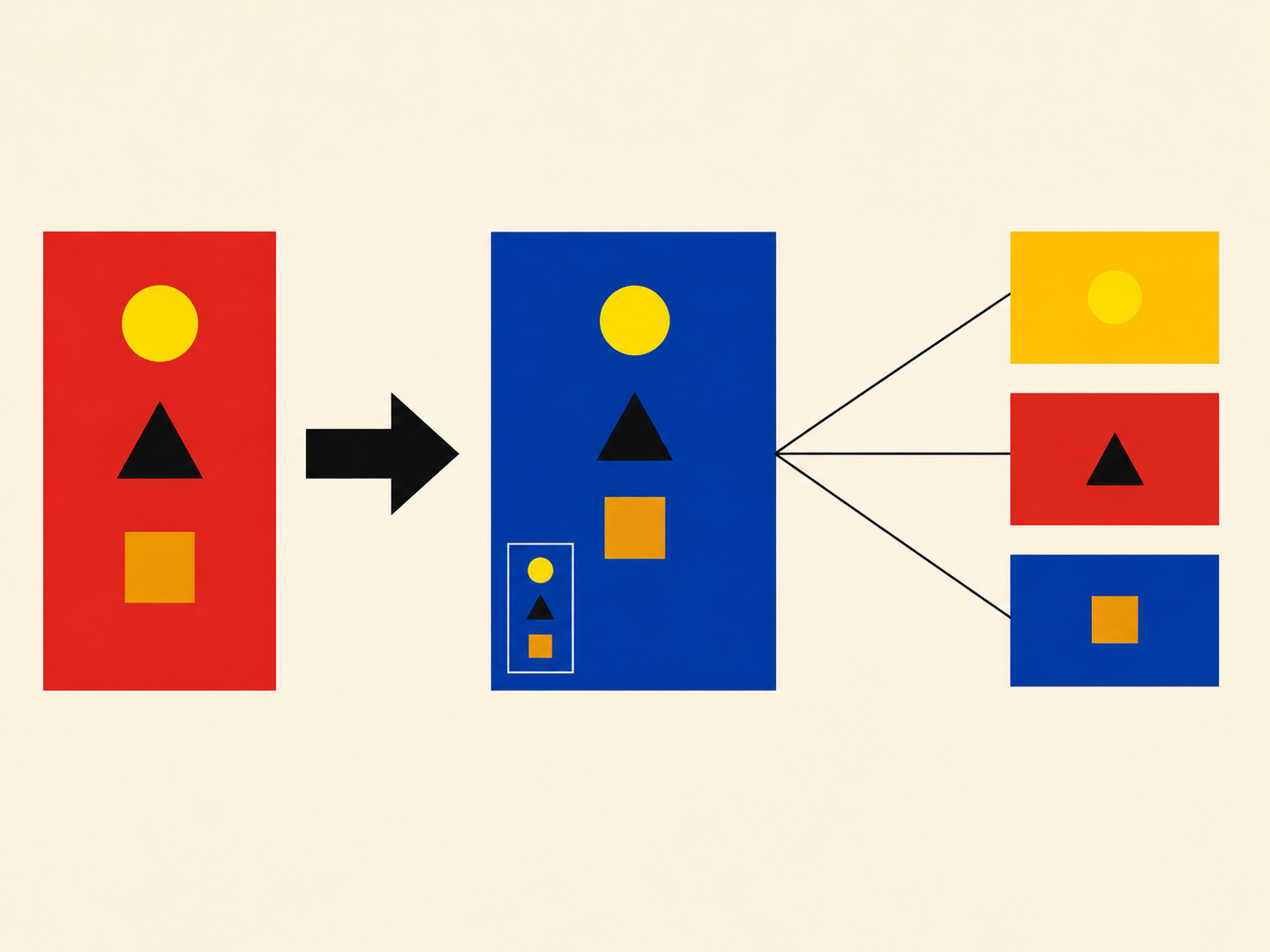
The submodule pinning means the wrapper is always pointing at a specific commit of the policy repo. If the policies change in a way that’s incompatible with my current projects, my wrapper doesn’t pick it up until I deliberately update the submodule.
The update flow is two commands:
cd standards-wrapper
git pull origin main
git submodule update --remote --merge
First command pulls any wrapper-side changes — new pointer files, new skills, new subagents. Second command pulls the latest policies. Both are explicit, both are reversible (the submodule is just a git pointer, you can move it back), and neither happens behind your back.
I update once a week or so. If a policy changes that affects how I’d want the agent to behave, I notice it on the next update because something the agent would have generated before now triggers a finding. That’s the right kind of friction. It surfaces the change loudly instead of silently.
What about per-project standards?
Most projects have their own conventions on top of the org-wide ones. Stack-specific patterns, internal architecture decisions, naming conventions, that kind of thing. Those don’t belong in the org-wide repo.
The pattern I use:
- Org-wide policies live in the standards-wrapper that I add to every workspace. Things every project should follow regardless of stack: security rules, phase gates, code-quality minimums.
- Project-specific conventions live in the project’s own
.cursor/directory andAGENTS.md. Things specific to that project’s stack, architecture, and team agreements.
These coexist. The agent loads both. There’s no conflict because they’re answering different questions: org-wide rules say “don’t store secrets in source code”; project-wide rules say “in this codebase, secrets come from a specific config module.” The first is policy; the second is specifics.
The boundary, when I’m deciding which one a piece of guidance belongs in, is roughly: would this apply at any company, or just at this one? General-applicable goes in the wrapper. Specific-to-this-project goes in the project.
What I didn’t expect
A few things kept happening that I didn’t plan for.
The wrapper became the onboarding doc. When a new project starts and someone asks “what are the security expectations here?”, I point them at the wrapper. The policies are there, the subagent that enforces them is there, the checklists are there. It’s not a wiki page that drifts; it’s the actual source the AI agent uses, which means it has to stay current.
The policies improved because they were being consulted. When the security-review subagent cited a policy file in a finding, and I read the citation, I sometimes realized the policy itself was unclear. So I’d open the policy, edit it, push the update. The act of using the policies through an AI agent surfaced ambiguities that no amount of human review had caught. The policies got better because the AI was forcing me to read them carefully.
The wrapper made me less defensive about agent output. When the agent generates an auth handler and the security reviewer says “this is fine,” I trust the output more than I would have trusted the same code without the review. Not because the agent is suddenly perfect, but because the policy has been explicitly checked against it. The trust comes from the audit, not from the original generation.
Cross-project consistency stopped being a luxury. I used to think “we should standardize how we handle X” was a nice-to-have that always lost to deadline pressure. With the wrapper, standardizing X is one file in the policy repo, and every project gets it on the next update. The cost of consistency dropped to almost zero, which means consistency happens by default instead of by heroic effort.
That pattern makes the standards reach every project automatically, evolve in one place, and integrate cleanly with the AI agent without per-project setup. For a single engineer, that’s a nice-to-have. For a small team running multiple projects, it’s the difference between standards that exist and standards that ship.